Grab the Windows launcher, paste your license key, and you're tuning in minutes. The full engine runs locally — nothing is injected into your application.
We are checking your signed-in account and license before showing private download access.
Not sure if your PC can run 144Hz–240Hz tracking? Don't guess. Run our free, standalone benchmark to test your GPU's neural inference latency, DXGI capture FPS, and 1,000Hz motor loop jitter directly on your desktop.
Sentinel runs on a mainstream PC. A capture source and a supported output device are required to feed frames in and send output back out.
The free Sentinel Benchmark tool evaluates your exact GPU, capture pipeline, and timer precision to assign one of three performance tiers.
From download to your first tuned profile — no config files, no command line.
Grab the launcher above and run it. It unpacks the engine and dashboard in seconds.
Drop in your license key — it binds to your PC and auto-activates, no restart needed.
Choose your capture source and supported output device in Setup. The launcher checks you're ready.
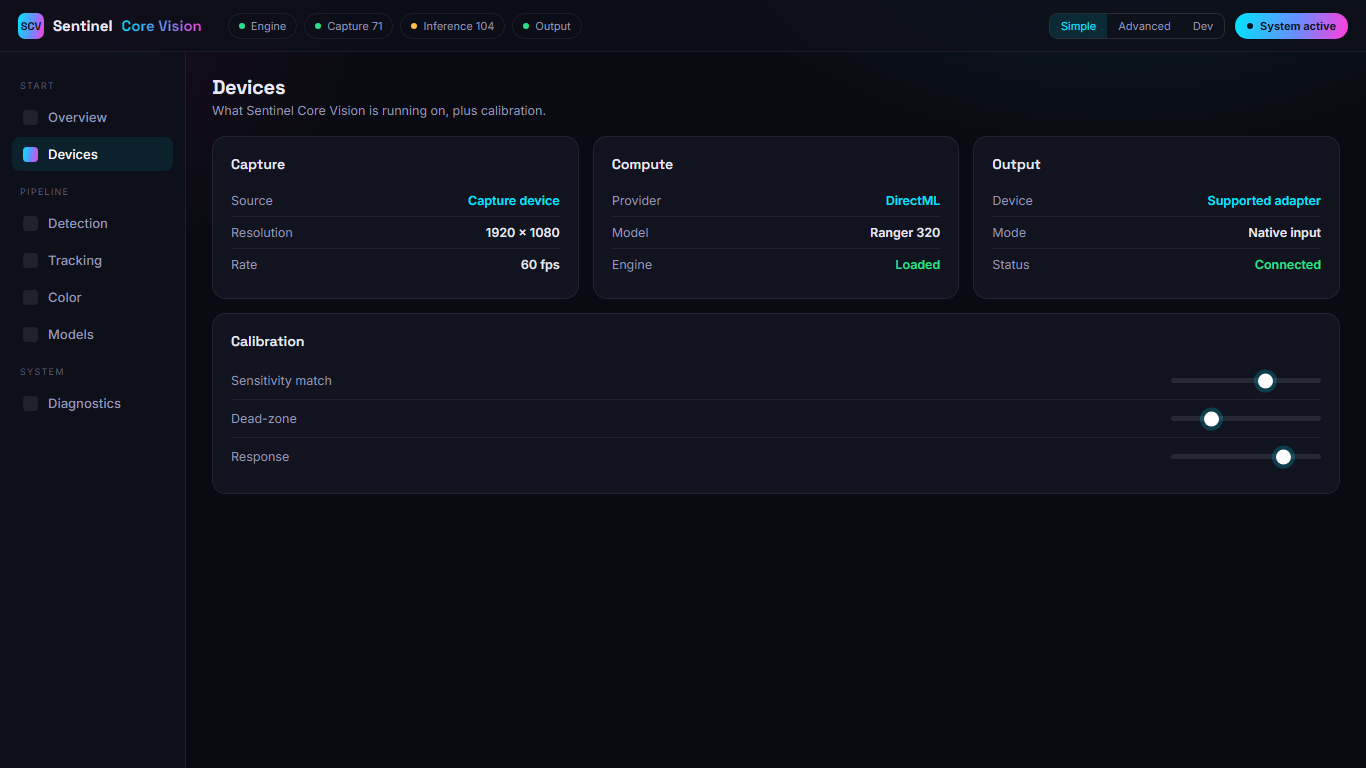
Open the dashboard in your browser, dial in the feel, and watch it live. Adjust any time.
Setup walks through your capture source, output device, and provider — and flags anything that isn't ready before you start. Once it's green, the dashboard is one click away in your browser.
Join the community for early access, setup help, and release news the moment the installer ships.