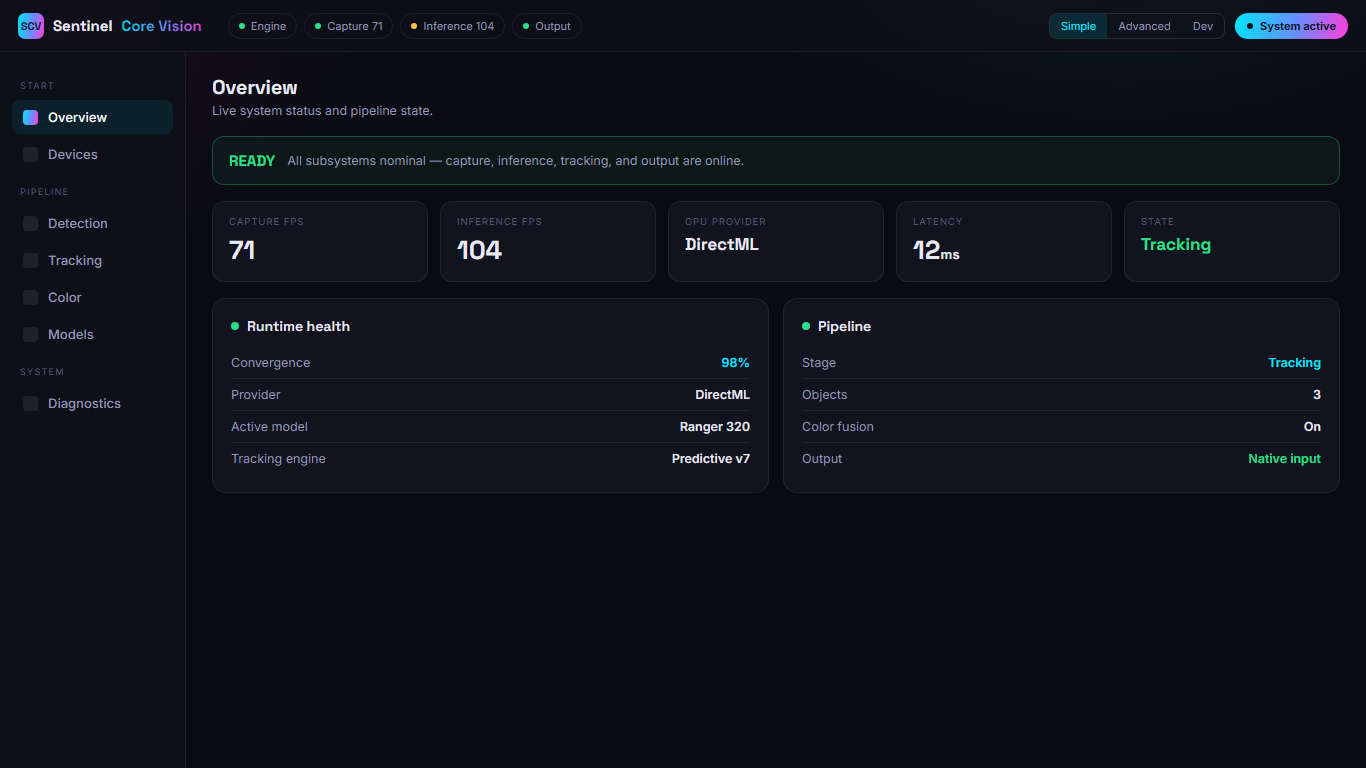
Real-time detection, every frame
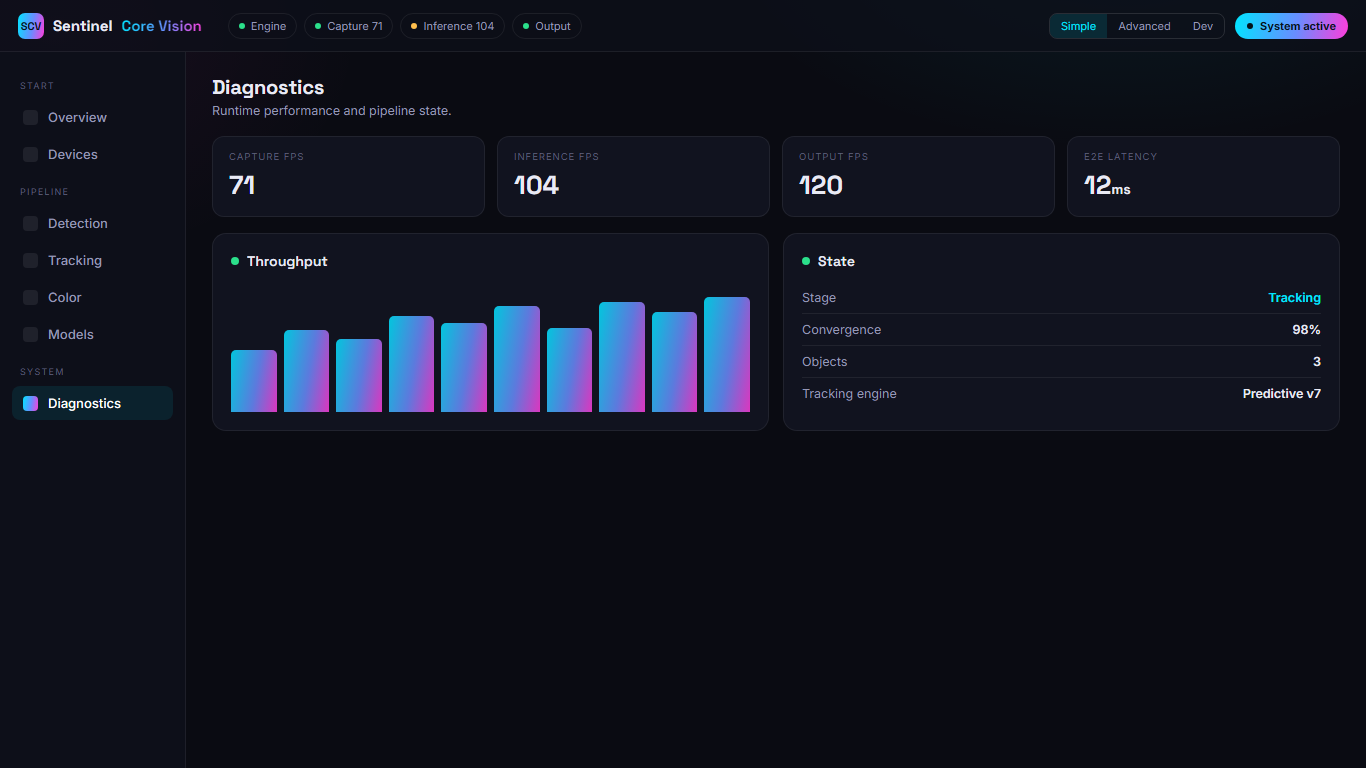
A fast ONNX vision model scans every captured frame with GPU acceleration across multiple execution providers — CUDA, TensorRT, DirectML, or OpenVINO — and surfaces the result on a status-first dashboard so you always know the engine is healthy. Because it runs locally, it's designed for low-latency processing, and you read the live system state at a glance instead of guessing.
- Multi execution provider: CUDA / TensorRT / DirectML / OpenVINO
- Live system health & output-rate readout
- Hot-swap models without restarting
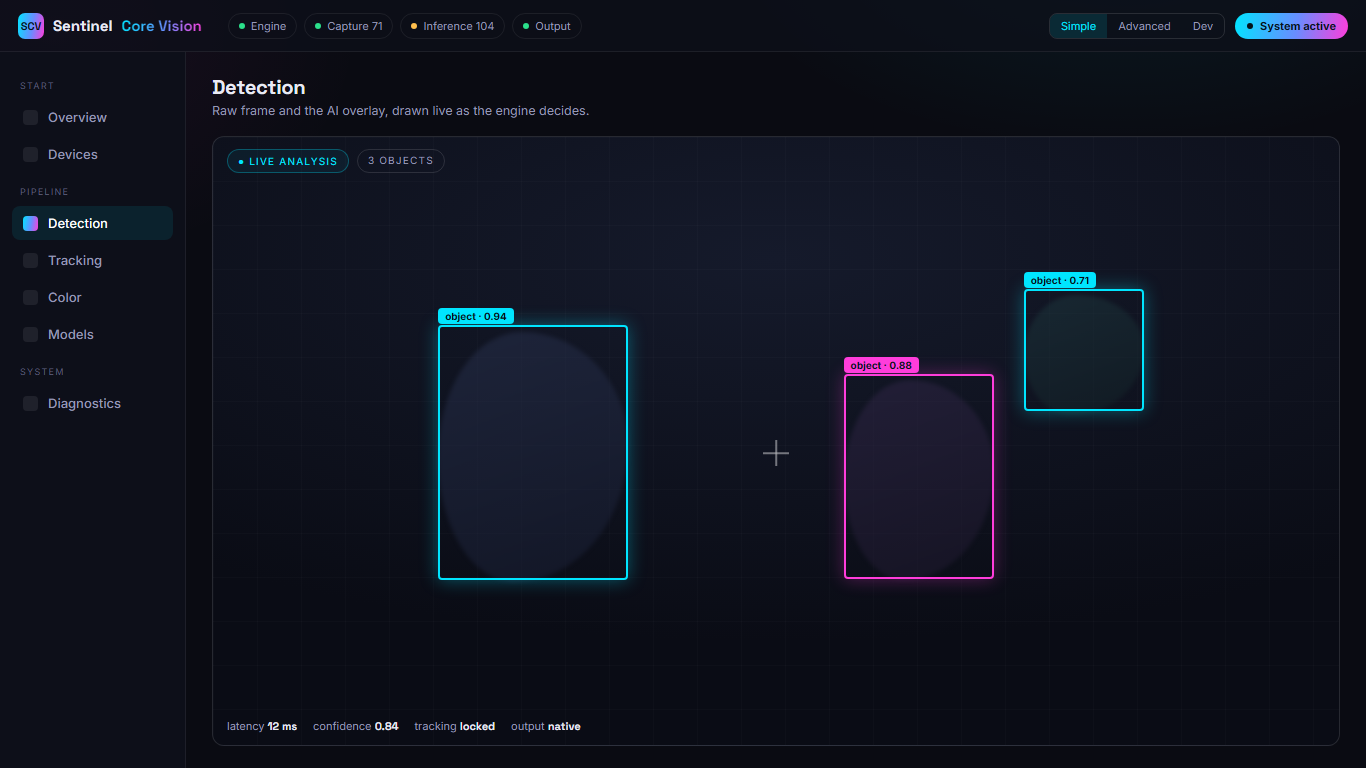
Inspect every decision
The Vision page puts the raw feed and the AI overlay together — detections, tracking, ownership, and color, all drawn live as the engine decides. It turns a black box into a window, so when you change a setting you can watch the effect instead of trusting it blind.
- Live detection + tracking overlay
- Searchable class filter & object targeting
- Feed-first layout — debug layers one tap away
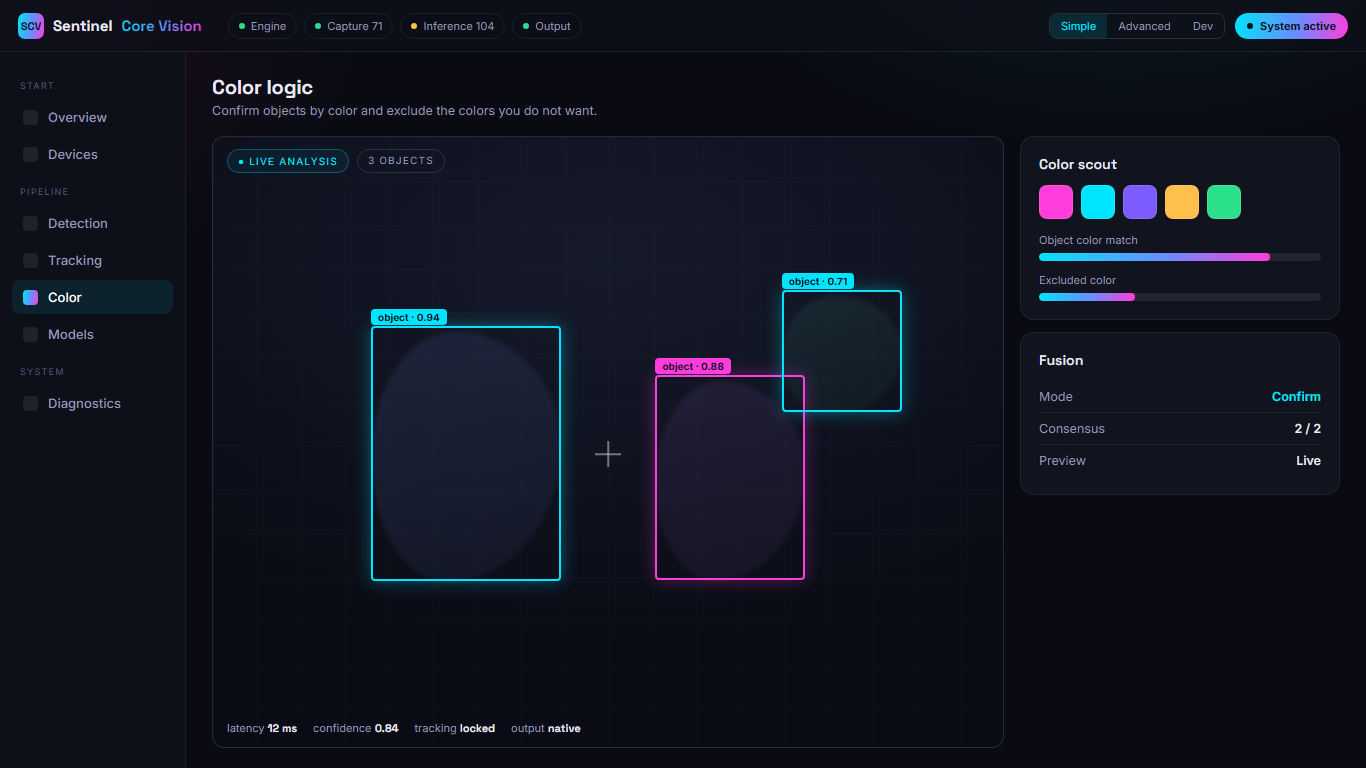
Lock the right object by color
A live color scout ranks the colors in your frame so the object outline is obvious, then HSV color confirmation runs alongside the model to agree on the same object. It keeps you locked on the object of interest and off any ignored class — and the sticky preview sits right beside the controls so you tune it by eye.
- One-click "apply object color"
- Excluded-color safety & consensus gate
- Export & import your exact setup
Tune from simple to developer
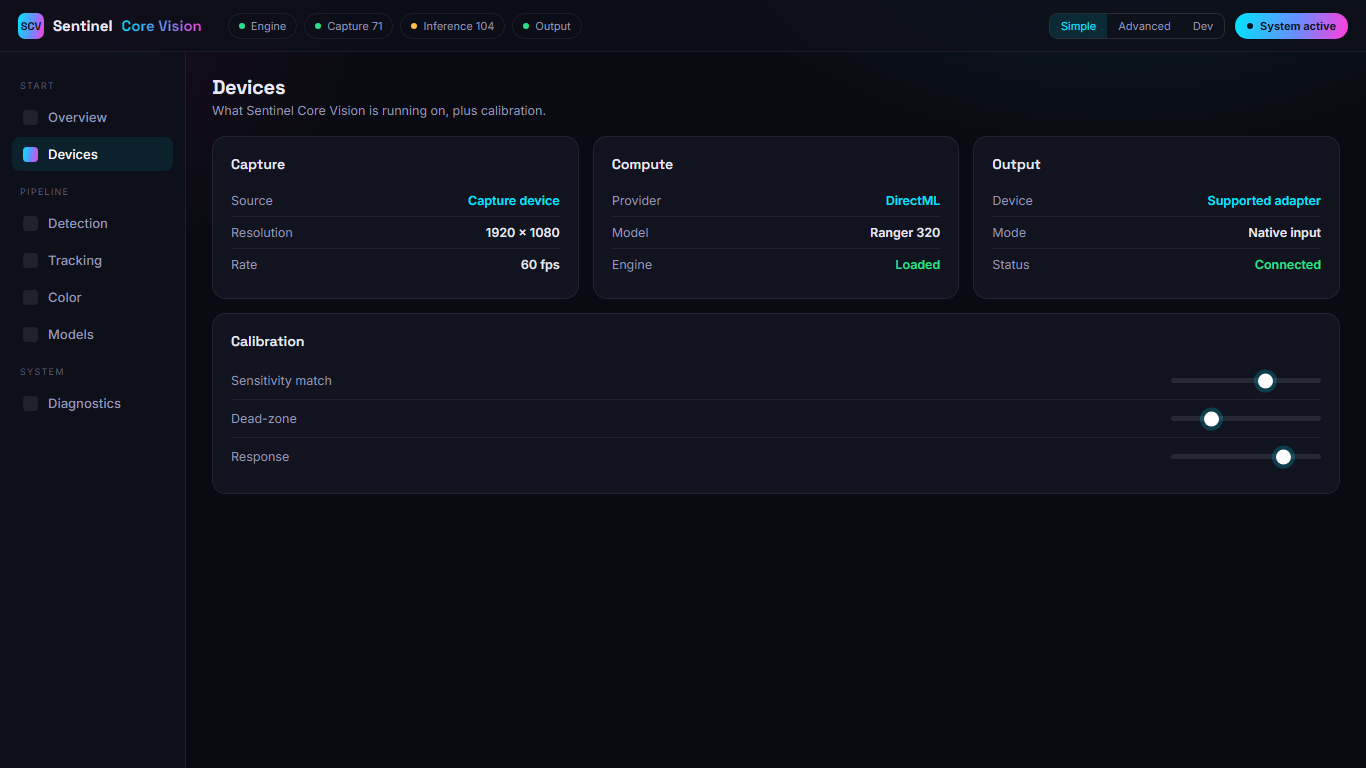
Start with a handful of plain-language sliders for feel, then reveal advanced and full developer surfaces only when you want them. Nothing lives in a config file — every parameter is a control in the browser, so you can go as deep as you like without ever leaving the dashboard.
- Simple · Advanced · Developer disclosure
- Every parameter is a labeled control
- Save & load full profiles in seconds
Connect your setup, output cleanly
Setup walks you through your capture source and output device and checks the whole chain is ready before you start. Output goes through a supported output device so it reads like native input — no drivers injected into your application — which keeps your system clean and your input native.
- Guided capture + output device setup
- Native input via a supported output device
- Readiness check before you start
Calibration, not guesswork
The usual alternative is a hand-written script and a lot of trial and error. Here's the difference.
Manual scripts & trial-and-error
- ✕ Guess a value, test, guess again
- ✕ No way back once you overwrite a setting
- ✕ Recoil patterns measured by eye
- ✕ A script that only works for one weapon
Sentinel Core Vision
- ✓ Try a candidate setting, compare, decide
- ✓ Roll back any candidate in one click
- ✓ Recoil patterns measured automatically
- ✓ Per-weapon profiles, saved and reusable